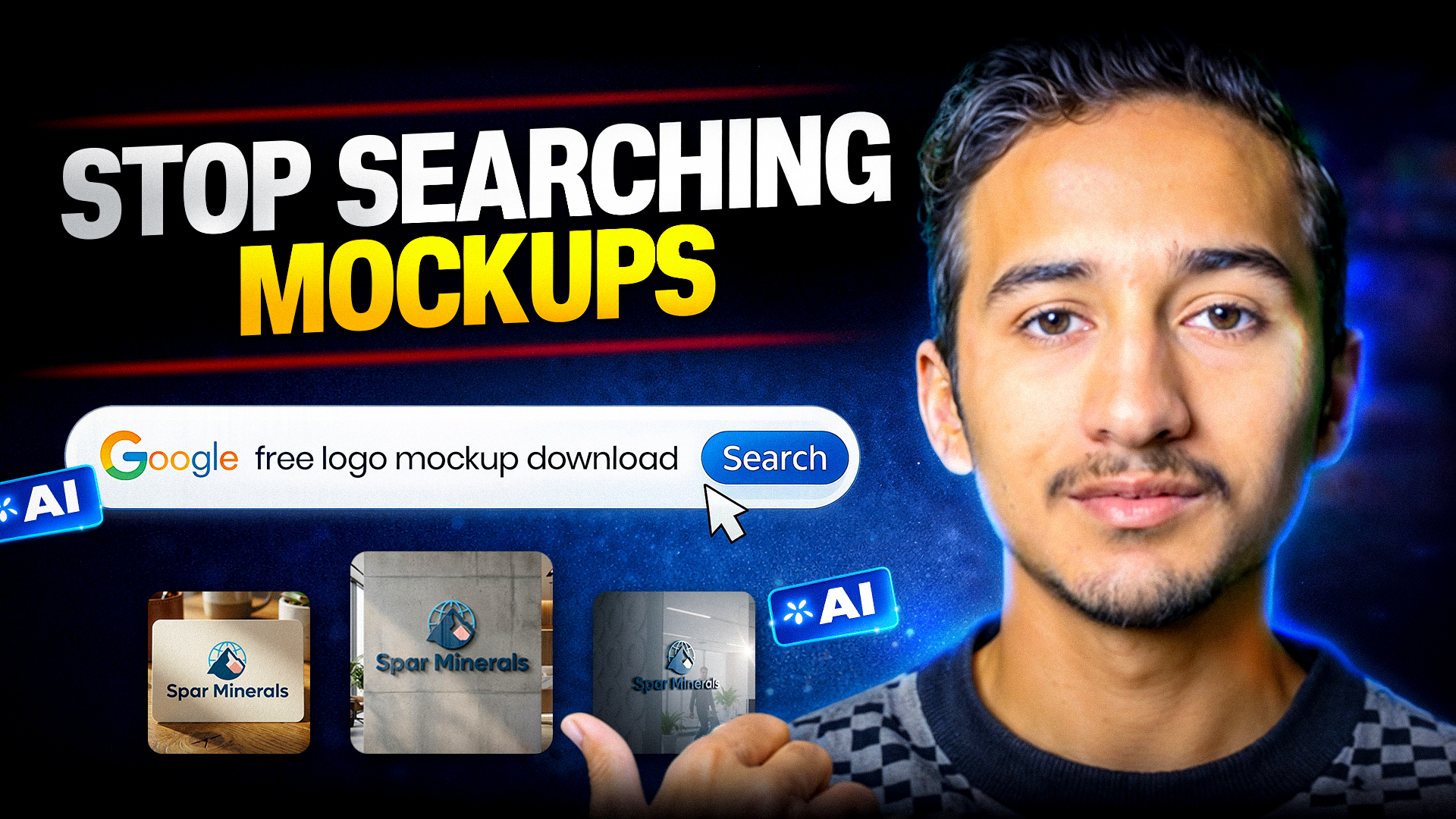
In today’s competitive freelance market, presenting a logo professionally can make the difference between approval and rejection. Clients don’t just want a logo file — they want to see how the logo will look in real life. Traditionally, designers relied on Photoshop mockups, smart objects, and time-consuming manual work.
But now, AI has completely changed the game.
Using AI, freelancers can generate ultra-realistic logo mockups in minutes — without Photoshop, Illustrator, or complex setup. This approach is perfect for freelancers who want faster delivery, premium-looking presentations, and higher client satisfaction on platforms like Fiverr and Upwork.
👉 Below are the exact copy-paste AI prompts used in the video.
You can directly use them to generate realistic logo mockups instantly.
Prompt 1: Premium Office Wall Logo Mockup
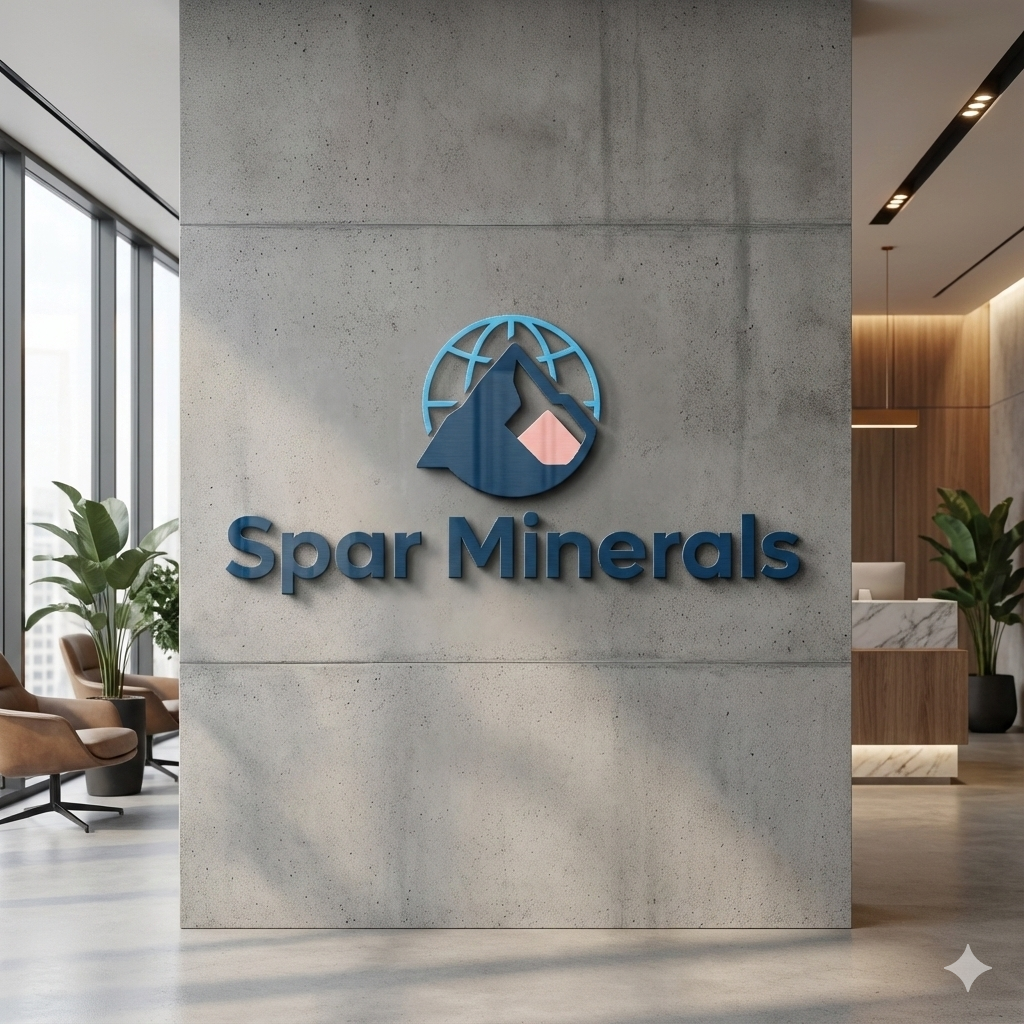
Create a hyper-realistic corporate office wall logo mockup using the uploaded logo.
The logo should be mounted on a modern concrete wall inside a premium office reception area.
Use realistic depth, natural shadows, soft ambient lighting, and professional interior style.
The logo should look physically installed, not flat or pasted.
Ultra-realistic, high detail, cinematic look, 4K quality.
Prompt 2: Business Card + Desk Branding Mockup
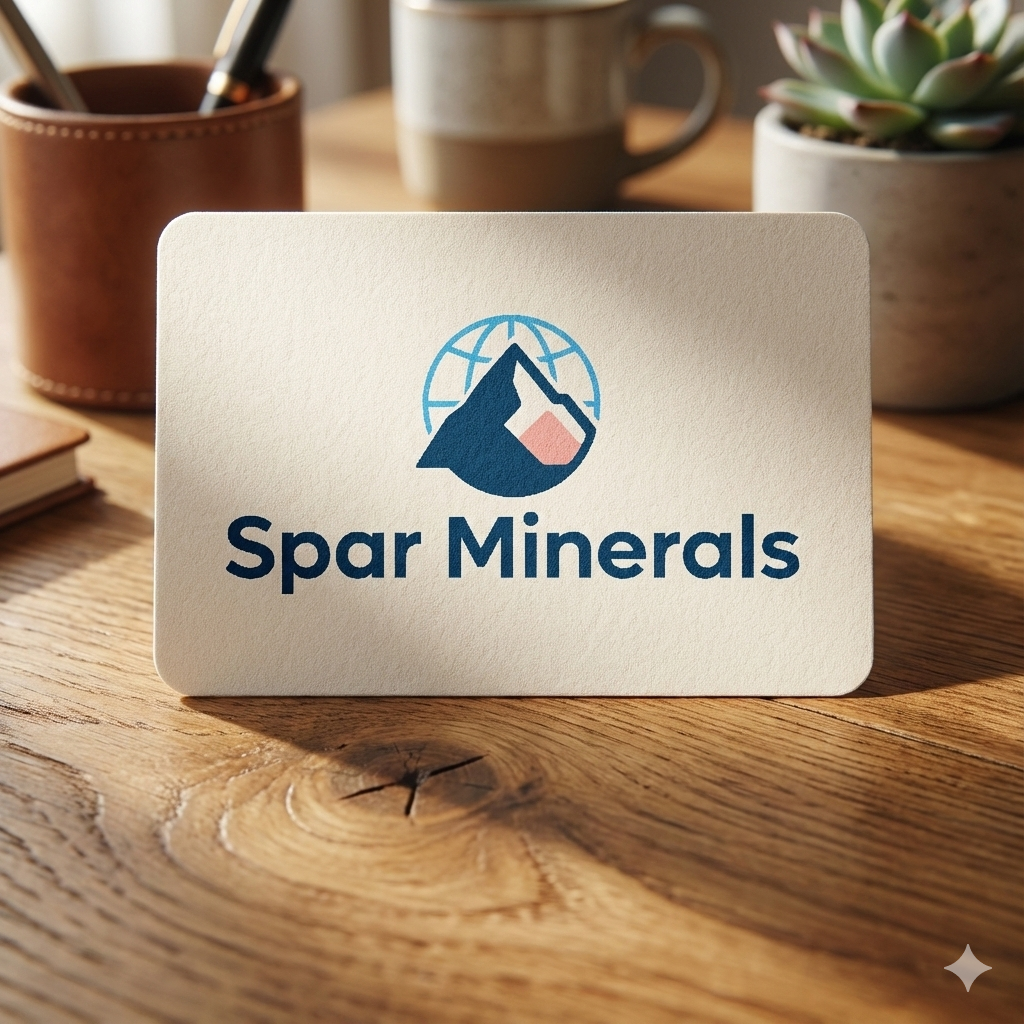
Generate a realistic branding mockup using the uploaded logo.
Show the logo printed on a premium business card placed on a wooden office desk.
Add realistic textures, soft shadows, depth of field, and natural light coming from the side.
The scene should look like a real professional branding photoshoot.
Ultra-realistic, clean, modern, high-quality output.
Prompt 3: Glass Door / Office Entrance Logo Mockup
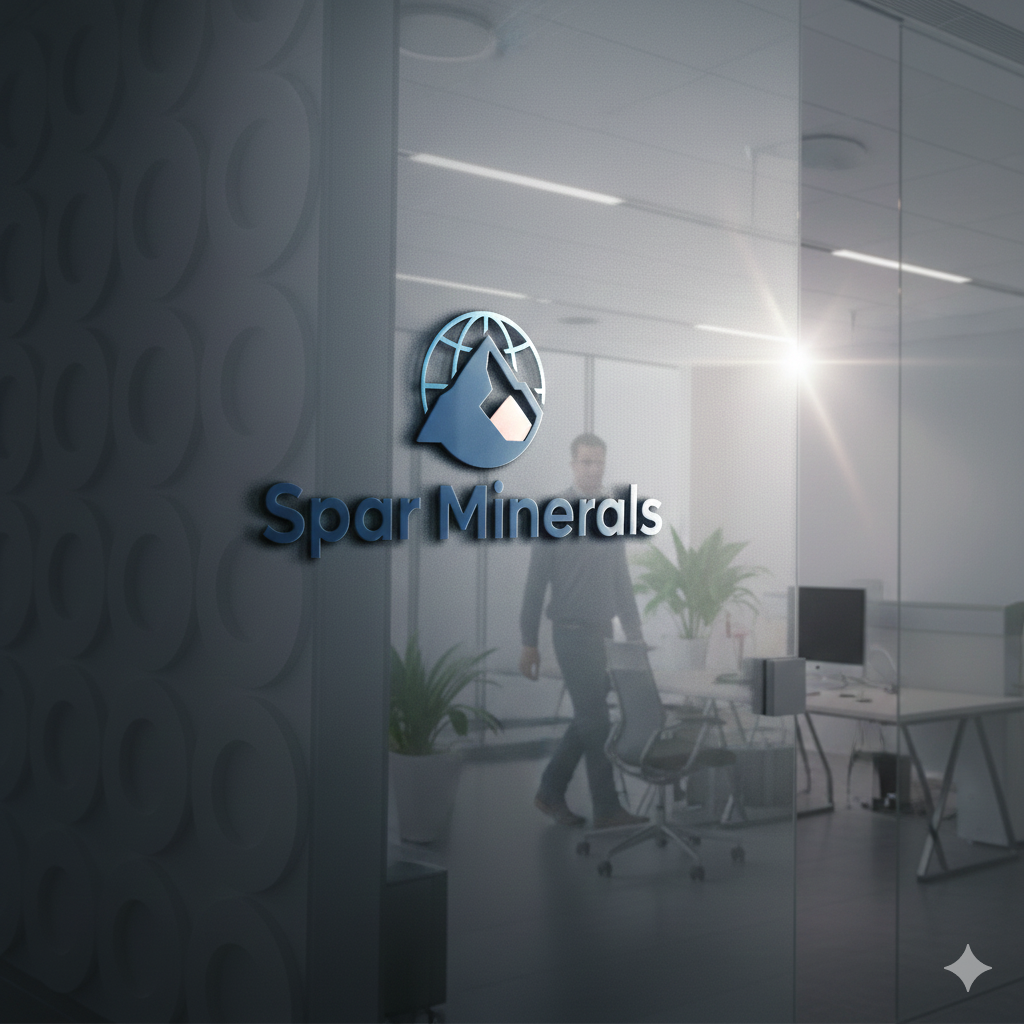
Create a photorealistic glass door logo mockup using the uploaded logo. The logo should appear as frosted vinyl branding on a modern office glass door.
Add reflections, light glare, realistic glass texture, and depth.
The environment should look like a real startup or corporate office entrance. Extremely realistic, professional, 4K quality.
Prompt 4: Laptop + Workspace Brand Mockup
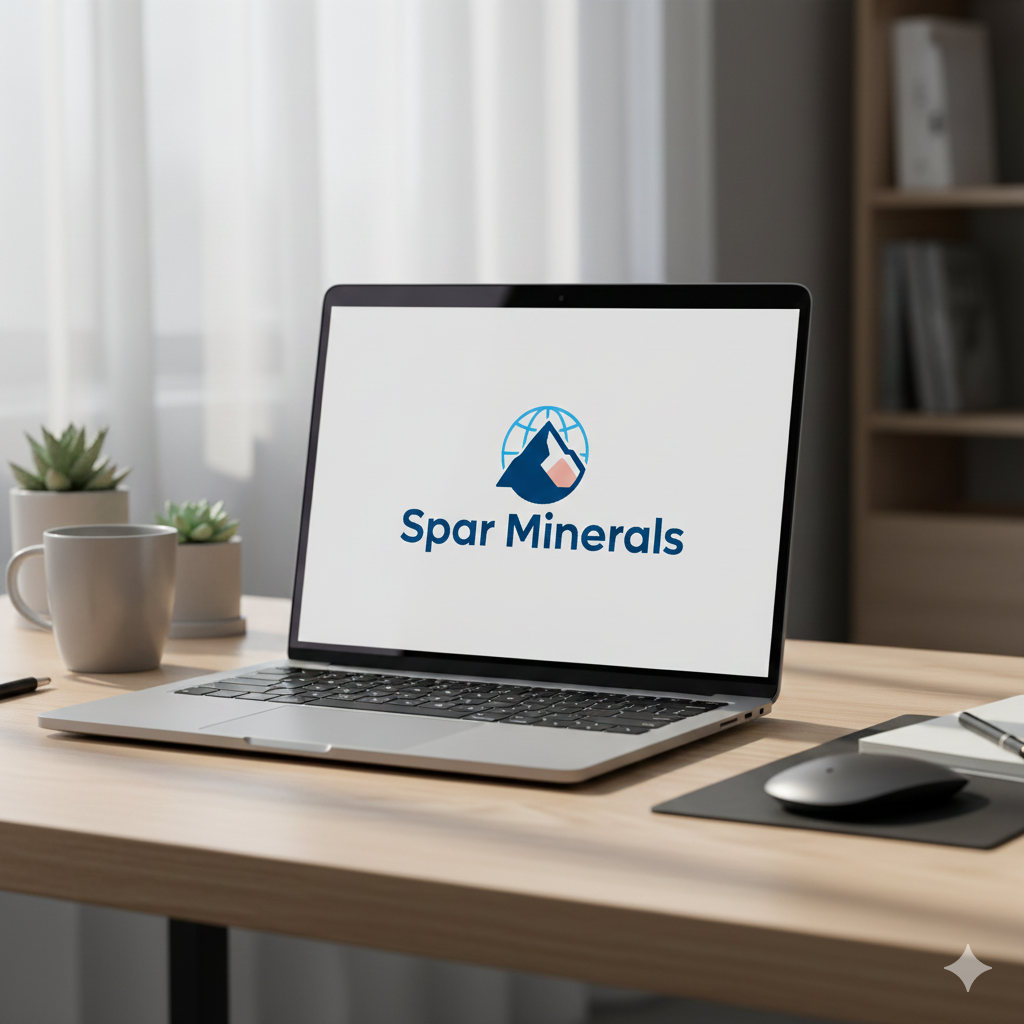
Generate a realistic workspace mockup featuring the uploaded logo.
Show the logo displayed on a laptop screen placed on a minimal modern desk setup.
Include realistic lighting, soft shadows, depth blur, and premium workspace aesthetics.
The logo should feel naturally integrated into the scene, not artificially placed.
Ultra-realistic, cinematic, high-detail image.
Prompt 5: Outdoor Signboard / Storefront Logo Mockup
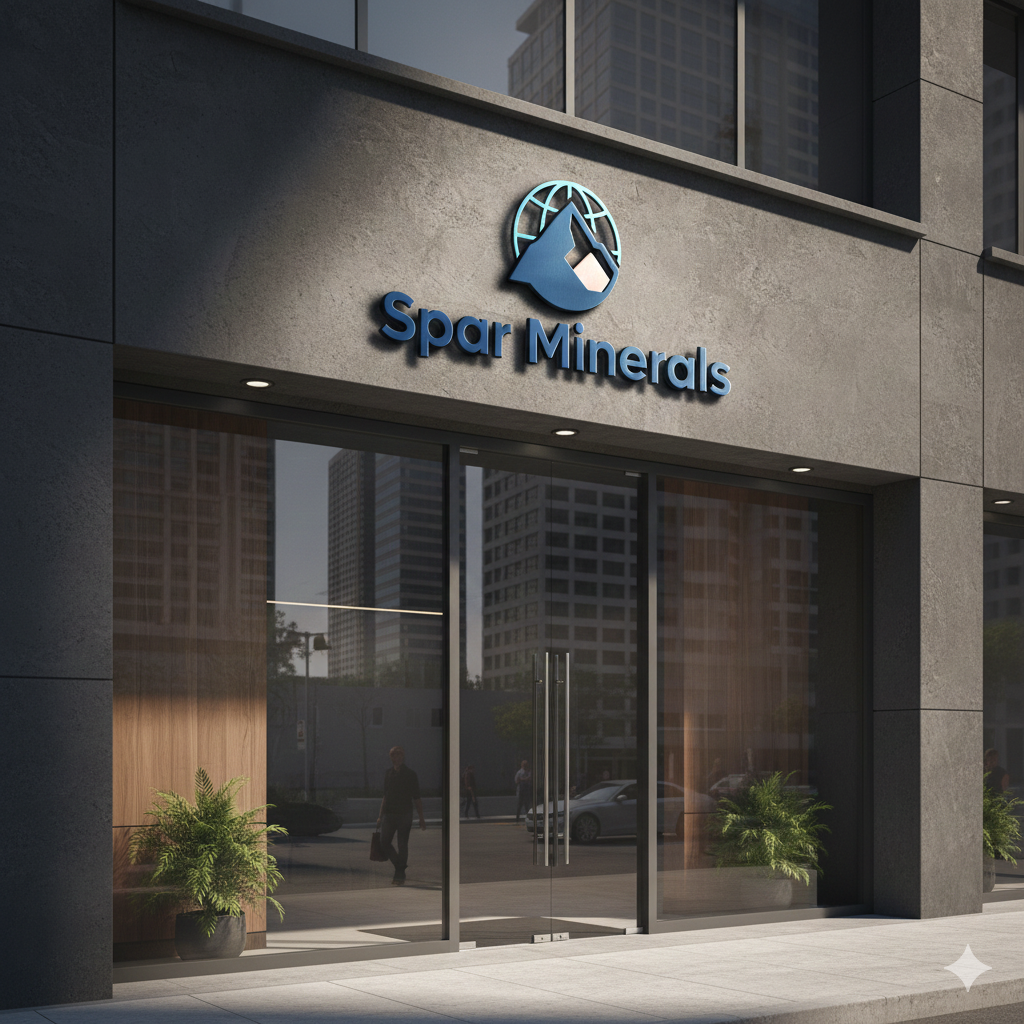
Create a highly realistic outdoor storefront logo mockup using the uploaded logo.
The logo should be displayed on a premium signboard outside a modern business location.
Add realistic sunlight, shadows, reflections, and urban environment details.
The logo should look physically mounted with depth and material realism.
Photorealistic, cinematic lighting, ultra-high quality.
Why Freelancers Should Use AI for Logo Mockups
AI logo mockups are not just a shortcut — they are a competitive advantage.
- Save hours of manual work
- No advanced Photoshop skills required
- Premium, realistic presentation for clients
- Higher logo approval rate
- Faster revisions and delivery
Clients trust visuals more than explanations.
Step-by-Step: How to Create Realistic Logo Mockups Using AI
Step 1: Prepare Your Logo
- Use PNG or SVG
- Transparent background
- High resolution
Step 2: Upload Logo to AI Tool
Choose any AI tool that supports:
- Image upload
- Prompt-based generation
- Photorealistic output
Step 3: Paste Prompt & Generate
Use one of the prompts above based on the mockup type you want.
Pro Tips for Better AI Mockups
- Always include words like “physically installed”, “realistic depth”
- Regenerate 2–3 times
- Match mockup style with client business type
- Avoid flat or plain backgrounds
How These Mockups Help Freelancers Win Clients
- Strong logo presentations
- Professional Fiverr gig images
- Faster client approvals
- Higher perceived value
FAQs
Can I use these mockups for client work?
Yes, they are perfect for presentations and approvals.
Do I need Photoshop?
No. AI handles everything.
Are these prompts reusable?
Yes, for unlimited projects.